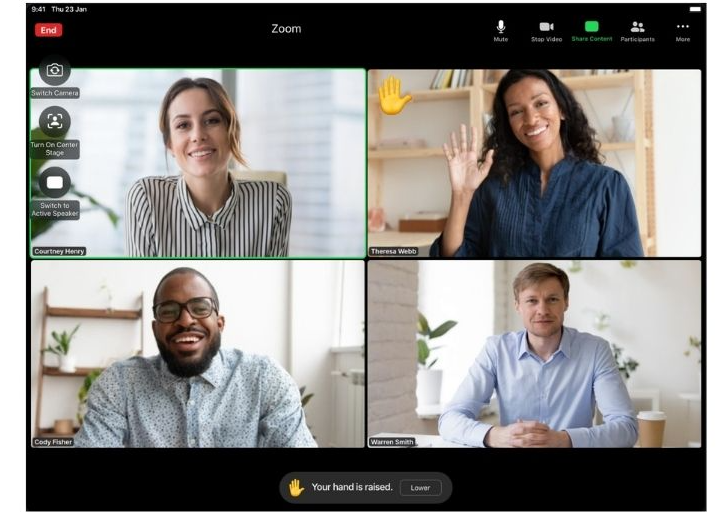
Virtual sessions are an exception at EOS when a face-to-face meeting is not feasible. The two main reasons for holding virtual sessions are:
- Travel costs are too high or traveling is impossible.
- The meeting rhythm of EOS meetings would have to be interrupted.
If we decide that a meeting will take place virtually, we should proactively do everything we can to make it as similar as possible to a face-to-face session. Please read the following notes to get an idea:
- Equal conditions for all: If one person participates remotely, then everyone participates remotely.
- In a virtual meeting, each participant needs access to their own screen and computer. Please do not sit together in the same room.
- Get everything ready so you can keep the break rhythm: snacks, drinks etc.
- We will also use the EOS leadership team manual during the virtual session. Please keep it at hand.
- The meeting will take place via Zoom. If you normally use Teams or other programs, make sure that Zoom is running smoothly and that the latest version is installed.
- Check your internet connection (imagine you are participating from home and your son is playing online games at the same time...) and have a backup solution ready (e.g. mobile hotspot from your cell phone).
- Audio: Make sure that your audio solution works (no feedback, no scratchy microphone, etc.).
- Dress code: Please dress the same as you would for an in-person meeting.
- Check the lighting so your face is clearly visible, even if it gets dark outside. Do not sit in front of a window.
- Log in a few minutes before the meeting. We start on time.
- We take a 10-minute break approximately every hour.
- Use the breaks to move around and switch off all screens (cell phone, e-mail, etc.) during this time.
- Our lunch break is normally between 30 and 45 minutes.
- If you want, we can spend lunch together in front of the screen and talk about non-business topics.
- Technology
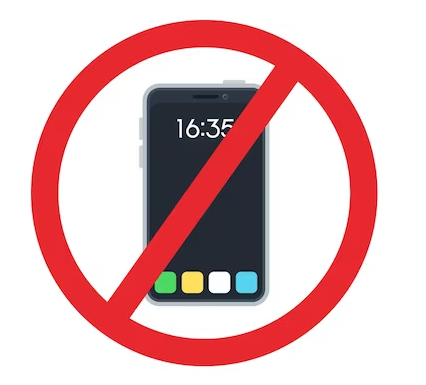
In an on-site meeting, we ban all cell phones and laptops in order to be 100% present. This rule also applies to virtual meetings.
- Please turn off email notifications and other pop-up messages.
- Put your cell phones away.
- Close all other tabs, tools and programs on your computer.
- The virtual meeting should be as similar as possible to a “normal” meeting. Make sure not to switch off the camera and leave your microphone on.
- Try to find optimal placement in front of the screen.
I hope that this information gives you an idea what to expect at our virtual meeting. Please feel free to contact me if you have any questions. See you on Zoom!